Featured Case Study

BandHub –
Music Collaboration Platform

A web platform designed to help bands organize, share, and collaborate on music in one place — with clean versioning, structured feedback, and a smoother creative workflow.
Role UI/UX Designer
Platform Web App
Type Concept / Product Design
Tools Figma
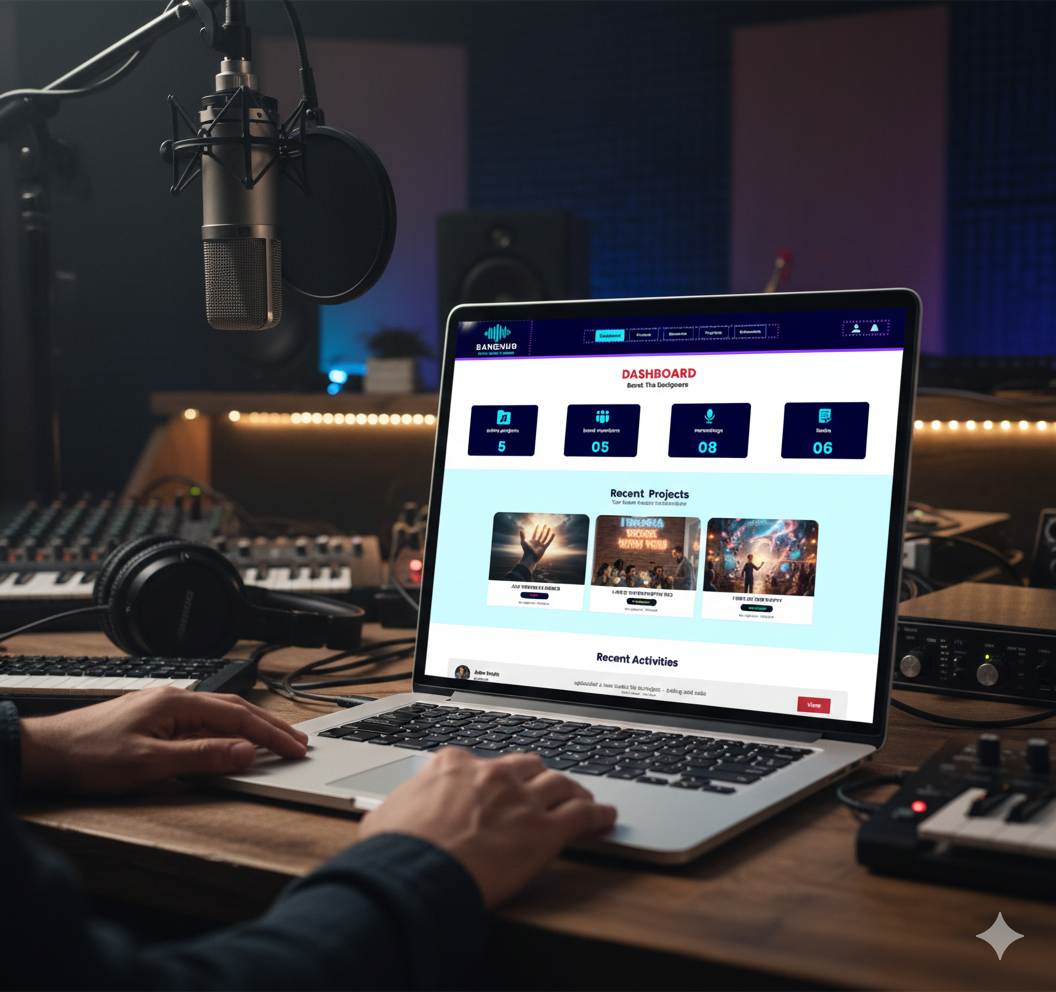
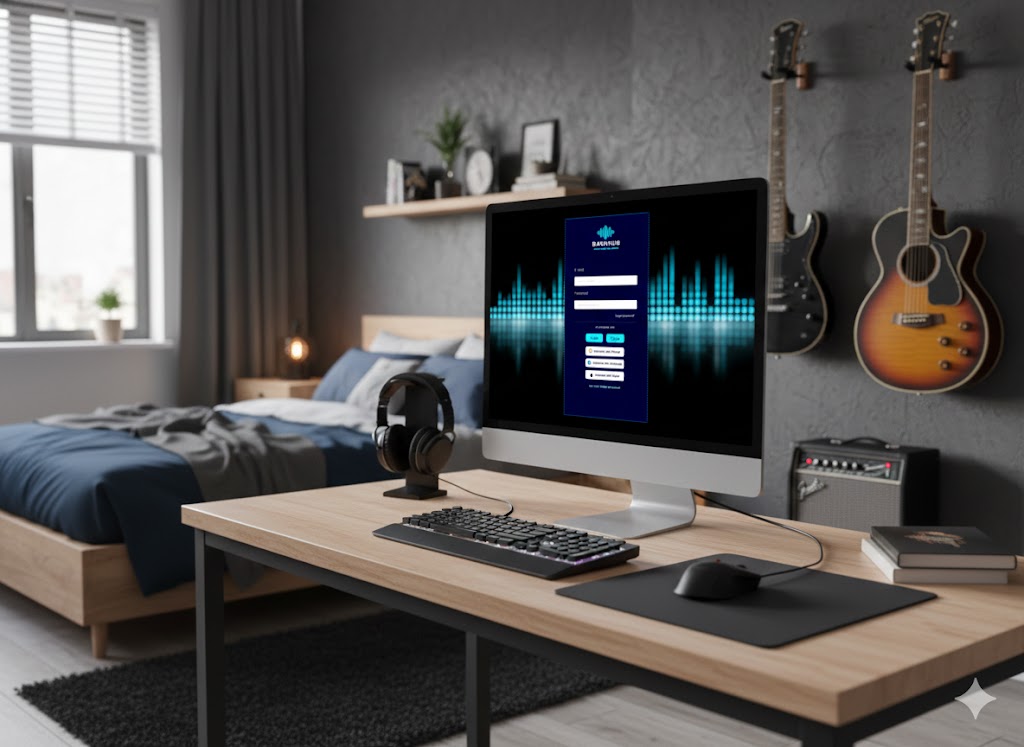
BandHub mockup

The Problem

Bands often manage songs, versions, and feedback across scattered tools (chat apps, drives, notes), making collaboration slow, messy, and easy to lose track of.

Slow collaboration

Sharing files and getting feedback takes too many steps across multiple apps and message threads.

No clear versioning

It’s hard to know which file is the latest version, what changed, and what to review next.

Feedback gets lost

Comments are scattered across chats, voice notes, and text messages — and aren’t tied to timestamps.

Hard to stay aligned

Without a single source of truth, band members waste time syncing decisions and next steps.

Personal Context

BandHub was inspired by real band-life. When you’re writing songs and exchanging demos weekly, the creative flow breaks when files, notes, and approvals live in different places.

The goal was to design a simple, focused space where bands can keep versions organized, collect feedback properly, and move songs forward with confidence.

Project Goals

Three key objectives guided the design process

Clarity

Keep song versions, comments, and next steps organized in one place.

Faster feedback

Make it easy to review demos and leave structured feedback quickly.

Momentum

Help bands move songs forward with clear ownership and progress.

Core Product Flows

Key screens designed to support collaboration, feedback, and version control.

Flow 1

Create a Project

Start a new song project with metadata (tempo, key, reference tracks) and invite band members.

  • Simple onboarding for band roles
  • Clear project structure from day one
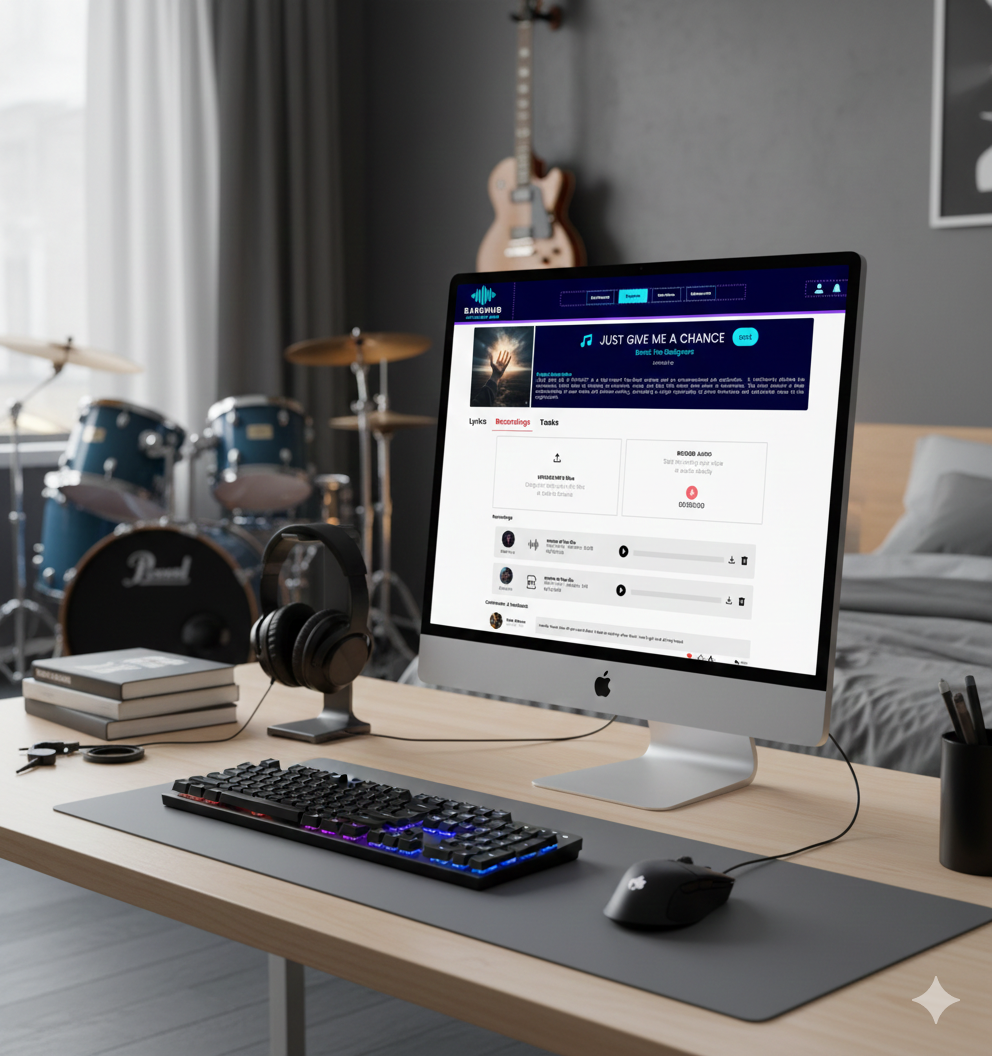
BandHub create project screen
Flow 2

Upload & Version Demos

Upload audio demos and keep versions clean, with a clear timeline of changes.

  • Automatic version history
  • Notes attached to each upload
BandHub versioning screen
Flow 3

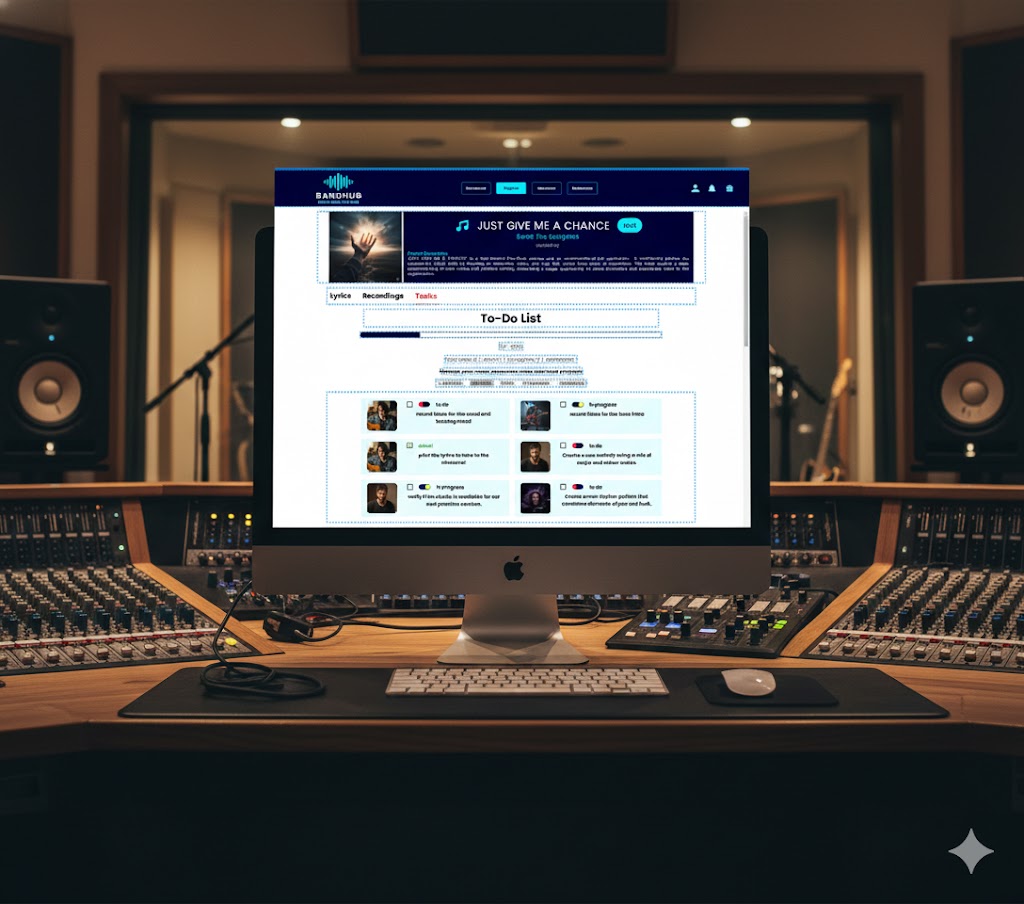
Task Board & Progress Tracking

Organize the band’s workflow with a clear task board, progress bar, and status cards to keep rehearsals and recording sessions on track.

  • Create tasks for lyrics, recording, and rehearsal
  • Visual progress bar to monitor the project
BandHub feedback screen

Key Features

Project timeline

A single view of uploads, decisions, and progress for each song.

Version control

Clear versions so everyone knows what’s current and what changed.

Timestamp feedback

Comments tied to exact moments in the track to reduce ambiguity.

Roles & permissions

Keep responsibilities clear (composer, vocalist, producer, reviewer).

Design Process

A systematic approach to solving real problems

1

Discovery

Mapped band workflows and pain points from real collaboration habits.

2

Ideation

Explored IA and patterns for versioning, uploads, and structured feedback.

3

Wireframes

Built low-fi flows for projects, upload timeline, and feedback experience.

4

Final UI

Designed a clean dark-friendly UI with clear hierarchy and collaboration focus.

Before & After

A quick comparison showing how collaboration improves with a single, organized workspace.

Before
Before: scattered tools

Scattered tools

  • Demos and notes spread across chats and drives
  • No reliable version history
  • Feedback disconnected from the track
After
After: BandHub unified workspace

BandHub workspace

  • One place for projects, versions, and feedback
  • Timestamped comments + resolved states
  • Clear ownership and next steps per song
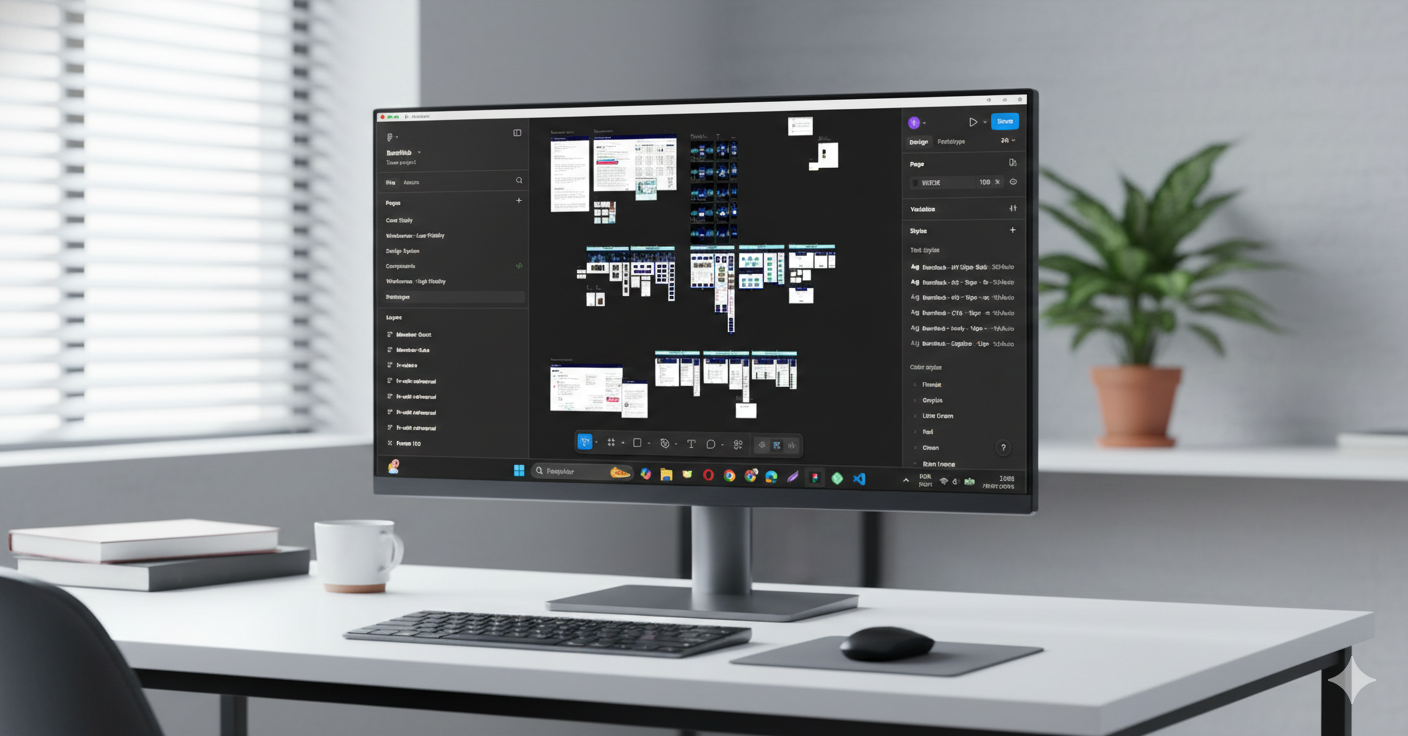
Design File

Explore the Design in Figma

View the full design file including IA, wireframes, components, high-fidelity screens, and prototype interactions.

  • Information Architecture
  • User Flows
  • Wireframes
  • Design System
  • High-Fidelity Screens
  • Prototype
BandHub Figma preview mockup